
How to become a Steam Curator: the quick answer Start with a non-limited Steam account and a Steam Community group you manage. Open the group’s Curator tab, add a tagline, and publish recommendations. Steam’s setup guide describes a self-service process; you do not need to submit a job application to Valve.
This guide explains the setup, what to write first, and how to build a useful page without promising free games or guaranteed income.
Open Valve’s Curator setup guide
Before you start
Check that you can create or manage a Steam Community group. Limited accounts cannot create groups. If your account is restricted, read Steam’s limited-account requirements before trying the steps below. Buying access from a stranger is not a sensible shortcut.
How to become a Steam Curator
1. Choose a focused idea. Decide whose game-buying decisions you want to help. For example, build around short puzzle games, accessible strategy games, or local co-op for two players. A clear promise gives readers a reason to follow your page. “Every game we like” is harder to distinguish from thousands of other opinions.
2. Create or use a Community group. Sign in to Steam and open your groups. Use a group you manage, or create one through the Community group tools. Give it a recognizable name and a description that explains its purpose. See Steam’s group-management help if you need to check your permissions.
3. Open the Curator tab. Visit the group page and look for its Curator section. Steam’s official instructions refer to a group where you are an officer or moderator. Enter your tagline and follow the setup prompts. If the tab is missing, first check which account you signed in with and your role in that group.
4. Publish a useful recommendation. Select a game and write a concise explanation of who it suits. Focus on a buying decision: session length, difficulty, co-op requirements, or a meaningful limitation. Add a relevant longer review or video when you have one. Preview the result before sharing it.
5. Make the page consistent. Use the same review approach for your first few posts. Readers should be able to compare your recommendations without guessing what your criteria mean. Open the public page afterward to check that the description and published entries make sense to a new visitor.
A practical review template
The following is an editorial example, not a claim about a particular game:
Best for friends who want short cooperative puzzles. The main appeal is coordinating simple actions under pressure. Skip it if you prefer relaxed solo play. Tested with two players; longer impressions are linked below.
Use only details you can support. If you have not tested multiplayer, say so. If you played a demo, identify it. A specific caveat is more helpful than a string of enthusiastic adjectives. Keep private notes on the version, settings, hardware, and time played so that you can update a review when the game changes.
Steam Curator vs Curator Connect
Steam Curator is your public recommendation presence. Curator Connect is a developer-facing way to offer review copies to relevant curators. The two should not be confused with a guaranteed free-game subscription.
Steamworks lets developers search curators by characteristics such as tags, language, and platform. They can assess a curator’s audience and review history before sending an offer. A focused page gives a developer a clearer idea of whether its game fits your readers.
If an offer arrives, evaluate whether you have time and interest to cover the game. Valve explains that curators do not have an obligation to accept, play, or review an offered title. See the official Curator Connect documentation for how the developer side works.
Can Steam Curators earn money?
Steam does not directly pay curators. Treat a curator page as an audience-building project rather than a salary. You may use relevant links to your own editorial work, but Steam says recommendations must not promote competing stores, and compensation must be disclosed. Review Valve’s curator rules before publishing.
Our advice: build a trustworthy review archive before looking for sponsorships. Keep your verdict independent and make disclosures easy to spot. A free copy should never become a promise of praise. Track whether readers find your reviews helpful instead of judging progress only by the number of offers you receive.
Troubleshooting your setup
| Problem | What to check first |
|---|---|
| Cannot create a group | Review your account’s limited status and Steam’s group help. |
| Curator tab is missing | Confirm the signed-in account and its group permissions. |
| No review-copy offers | Offers are optional. Keep publishing useful coverage of games you can access. |
| Low engagement | Make your intended reader and review criteria more specific. |
Plan your first five reviews
Our suggested starting point is a short list of games you already understand. Choose one clear example of your page’s focus, one game with a meaningful drawback, one alternative at a different difficulty level, one title that works well in short sessions, and one game you would advise your target reader to skip. These are editorial planning ideas, not requirements imposed by Steam.
Before drafting, write down the question each review answers. A parent looking for local co-op needs different information from a competitive player choosing a ranked game. Tell readers whether your recommendation is based on personal play, a demo, or another clearly identified basis. Do not imply hands-on testing you have not done.
Use a simple private checklist: intended audience, strongest feature, main limitation, tested mode, and date of your notes. Read your recommendation aloud before publishing. Remove vague praise and keep the detail that changes the buying decision. If an update changes your conclusion, revise the entry and explain the material change in your longer coverage.
Review your public page after the first batch. Can a visitor tell what you cover without scrolling through every entry? Does the tagline match your actual choices? Do linked articles open the right review? A smaller, coherent archive is easier to maintain than an ambitious list that you cannot keep accurate.
Frequently asked questions
Do I need an expensive PC to begin?
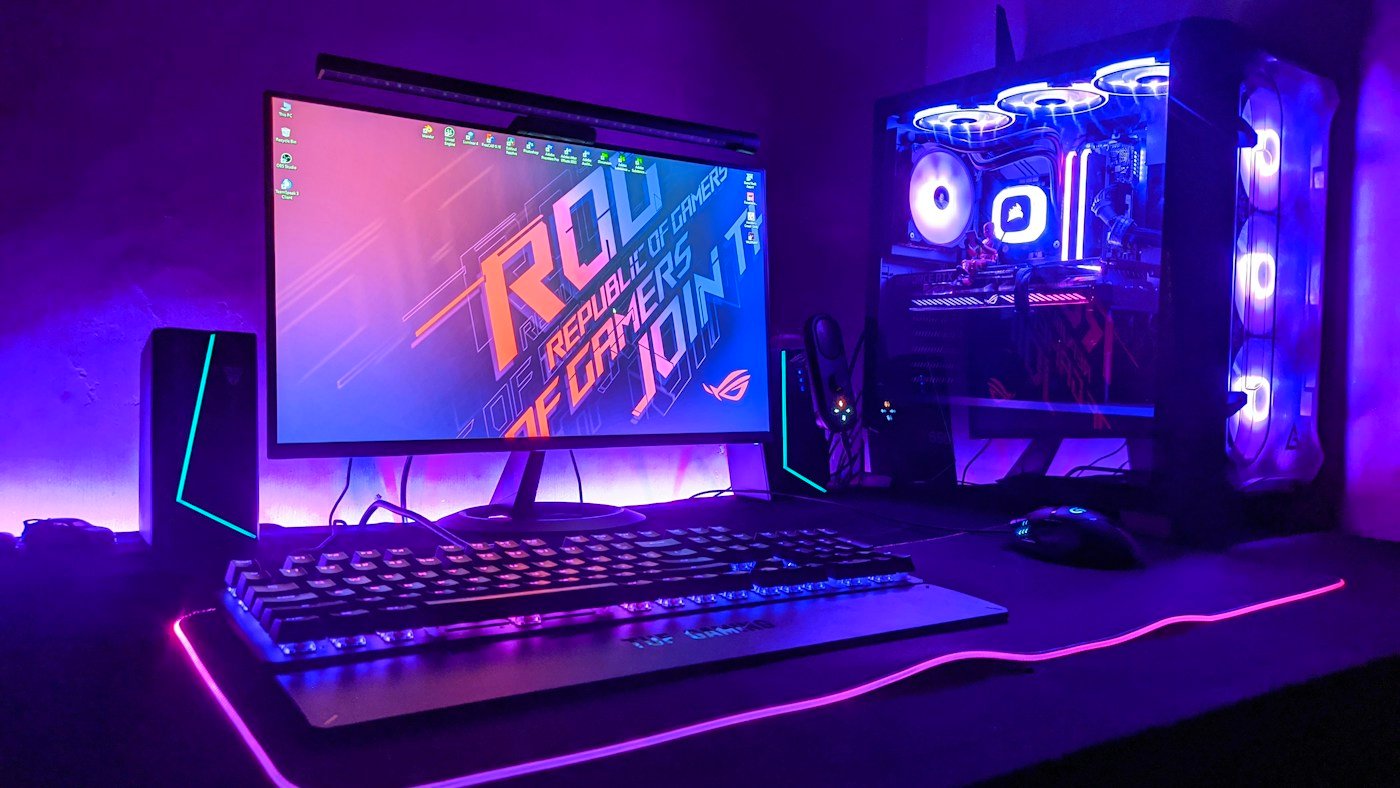
Choose games your existing hardware can run. For our suggested workflow, start with a small review list and clear notes; upgrading your desk setup can wait.
How should I plan my first week?
As a suggested schedule, spend one session setting up the page, two sessions revisiting games you know, and one session editing your recommendations. Publish at a pace you can maintain.
Should I review every genre?
We recommend starting with one audience. You can broaden the scope after you understand which reviews readers respond to.
Is there a separate Valve job application?
Valve’s public setup instructions describe creating a curator through a Community group. It is not an application for employment.
Do review copies guarantee income?
No. Receiving a game and earning money are separate things. Treat any offer as optional coverage, not a wage or a guaranteed business opportunity.
What should I do when the Curator tab is missing?
Check the signed-in account and your role in the group first. Then consult Steam’s official setup and group-management documentation.
Can a beginner start with one genre?
Yes. We suggest a narrow audience because it makes your review criteria easier to explain and your coverage easier to maintain.
Should I buy hardware before starting?
Only if you have a separate need for it. Start with games your current computer runs, and spend your first sessions improving the reviews.
Your next step
Pick one game you know well, explain who should buy it, and name one limitation. That is a stronger starting point than collecting a long list of unsupported recommendations. For more Steam help, read our guides to Steam save locations, downloading Steam mods, and Steam age checks and settings.
Editorial note: Setup information was checked against Valve’s public documentation on November 6, 2026. The workflow and writing examples are our editorial suggestions. Illustrations are conceptual rather than screenshots.