
MINECRAFT PAYMENT & GIFTING GUIDE
Can You Buy Minecraft with a Gift Card?
Yes, with a suitable card or game code—but the card type matters. A Minecraft PC game code, Microsoft account credit and Minecoins are different products. Match the card to the game, store, region and account before redeeming it.
A gift card can be a practical way to buy Minecraft for yourself or give it to someone else. The confusing part is that several products use Minecraft artwork, and they do not all unlock the base game. Some codes grant a specific game, some add store credit, and others give access to content inside an existing game.
This guide focuses on choosing the right route, especially for a U.S. buyer shopping for Minecraft on PC. It explains how to identify a card, what to check before redemption, and how to handle a purchase that does not appear in the launcher. You do not need to guess a payment option or buy another code before understanding the one you already have.
Affiliate disclosure: We may earn a commission at no additional cost to you when you buy through our affiliate links. Check existing ownership and official store options before making a new purchase.
Identify the exact game and platform it unlocks.
Confirm the store, currency and eligible checkout.
Redeem on the account intended to keep the entitlement.
Check activation restrictions before you pay.
First, identify which gift card you have
Read the full product description on the packaging, receipt or delivery email. A logo alone is not enough. Look for language stating whether the code adds money, provides a particular game, or supplies in-game currency. That single check determines which redemption instructions you should follow.
| Card or code | What it is for | What to check |
|---|---|---|
| Minecraft: Java & Bedrock Edition for PC code | The named PC game product | Exact edition, supported system and activation region |
| Microsoft or Xbox monetary gift card | Microsoft account balance for eligible purchases | Currency, region and the store’s checkout options |
| Minecoins card | Minecraft Marketplace currency | Whether the player already has the required game |
| Retailer gift card | Purchases at that retailer | Whether it sells the correct game and accepts the card |
| Prepaid Visa or similar payment card | A payment method subject to issuer and merchant rules | Balance, billing details and merchant acceptance |
A useful habit is to write down the product name and intended device before browsing prices. For example, “Minecraft PC base game for my own Microsoft account” is a much clearer shopping goal than “Minecraft gift card.” The clearer description makes it easier to spot an unrelated currency or console product.
Using a Minecraft PC game code
The official Minecraft redemption page provides a route for Minecraft: Java & Bedrock Edition for PC codes. It tells users to use the code supplied on the card or receipt and redeem with an active Microsoft account. It also distinguishes these game codes from Minecoins and other Minecraft products.
Before confirming redemption, check the signed-in account and the item being applied. If you are helping a child, establish which account should own the game with the parent or guardian before continuing. Redeeming on a convenient adult account can create confusion later when the child signs in somewhere else.
Keep the original receipt and delivery message until the game works on the intended account. Record the store’s order number separately from the code. The order number helps explain what you bought; the code is a redeemable secret that should not be posted in a public screenshot or support forum.
For a gift, let the recipient use the code on their intended account. You can include a short note naming the product and linking the official redemption instructions. There is no need to ask for their password or sign in on their behalf. A gift should make access simpler while keeping the recipient in control of the account.
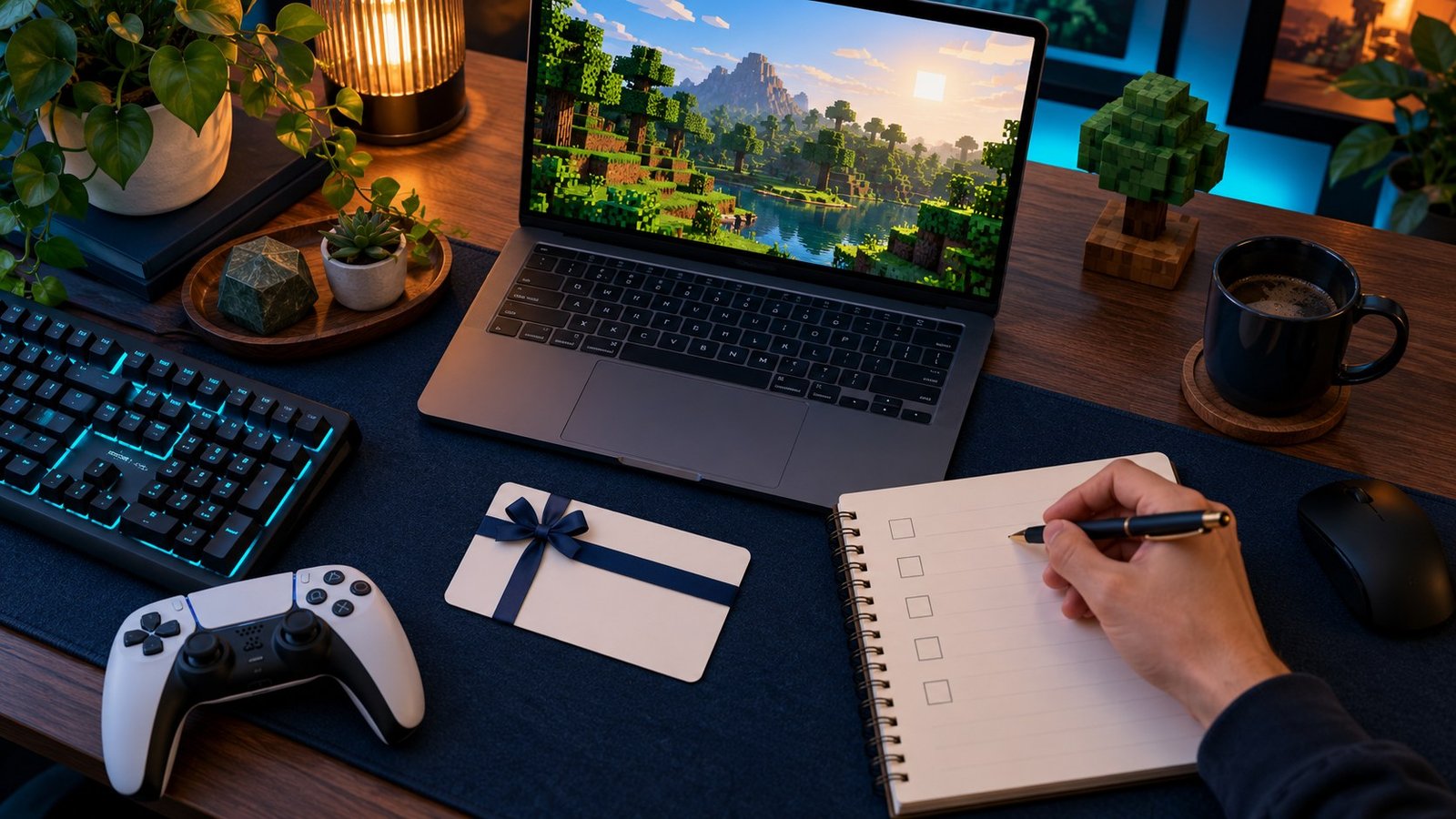
Using Microsoft or Xbox gift-card credit
Microsoft explains that redeeming a monetary gift card adds its value to your Microsoft account balance, which can be used for eligible purchases such as games. See its account balance guide and code redemption instructions. The important distinction is that credit does not itself select or buy Minecraft.
After redeeming credit on the intended account, find the correct Minecraft product in the supported Microsoft Store route. Review the platform and included items, then inspect the checkout payment choices. Confirm that your balance is being applied and that the final amount is covered before submitting the order.
Do not assume that a balance held by one store is accepted by every checkout showing the same game. A publisher website, an app marketplace and a third-party retailer can have different payment routes. Follow the current payment options displayed by the store you are actually using rather than a generic instruction to select “Gift Card.”
If the balance is short, review the store’s available way to cover the remainder. Consider the final total, including any applicable tax or fee, rather than just the advertised amount. Avoid buying additional credit until you have confirmed both the correct product and the checkout’s acceptance of the existing balance.
Why a Minecoins card does not buy the base game
A Minecoins card is intended for Marketplace currency, not a new base-game license. Someone who has not obtained the required game should not receive Minecoins as a substitute for it. Our guide to buying Minecraft versus Minecoins explains that distinction in more detail.
This is especially important when shopping for a birthday or holiday. A small currency card can look like an inexpensive way to give the game, but its usefulness depends on what the recipient already owns. Ask whether they want to start playing Minecraft or buy content for a copy they already use.
For an existing player, ask which platform and edition they use before choosing an extra. A Marketplace purchase, a Java modification, and a private-world hosting service are different categories. Buying an item from one category does not automatically satisfy a request from another.
Choose the gift route that fits the recipient
They want to start playing on PC
Confirm that they do not already own the PC edition and identify their operating system. Compare the base-game product with its official specification before choosing a code. If they are joining friends, ask which edition those friends use so the gift supports the intended session.
They already own Minecraft
Pause before purchasing another copy. Ask whether the request is actually for Marketplace content, hosting or access on another platform. An extra game copy may not solve the problem they are describing. Our Minecraft PC Game Pass guide also helps distinguish existing ownership from subscription access.
You are unsure which edition they want
A suitable store-credit gift may leave more choice to the recipient, provided the region, store and eligible purchases are confirmed. A specific game code narrows the choice but requires greater confidence that you have selected the right product. Choose based on what you know, rather than assuming every Minecraft-branded card is interchangeable.
Region and currency checks before checkout
A region mismatch can make an otherwise recognizable card unsuitable. Microsoft notes that account funds cannot be transferred between regions and recommends changing store region for a genuine longer-term move rather than as a purchasing workaround. Read its region guidance before making assumptions about another country’s credit.
For a U.S. recipient, look for explicit support for the intended U.S. activation or store use. A dollar symbol alone does not identify a country’s currency or prove compatibility. Ask the seller to clarify restrictions if the description uses vague terms such as “international” without naming the supported route.
If you and the recipient live in different countries, decide the recipient’s requirements first. The giver’s location is not a reliable substitute for the receiving account’s store and redemption requirements. Resolve those details before sending a code that might not work where it will be used.
Can a prepaid Visa gift card buy Minecraft?
There is no blanket guarantee that every prepaid payment card will work in every Minecraft checkout. Acceptance depends on the card issuer, the merchant, available funds and any required billing details. Treat a prepaid Visa card as a payment method to verify, rather than as a Minecraft redemption code.
Check the issuer’s instructions for online use, then inspect the merchant’s accepted payment methods. Use the correct billing information required by the issuer and allow for the full checkout total. If a legitimate transaction is declined, contact the issuer or merchant before making repeated attempts or buying a second card.
Do not type a payment-card number into a game-code redemption field. Equally, do not expect a Microsoft balance code to behave like a bank card at an unrelated retailer. The label “gift card” describes how a product was funded or given; it does not make all the underlying payment systems equivalent.
What to do if a code will not redeem
Start by comparing the product name with the redemption page you used. A game code, monetary credit and Marketplace currency may need different handling. Follow the instructions printed by the issuer and the official page for that specific product. Avoid experimenting with unrelated websites that promise to convert a code.
Next, check the visible error and region information. Keep the receipt and contact the retailer for a wrong product, activation problem or delivery issue. Use official Minecraft or Microsoft support when the problem concerns the account or the named redemption service. A concise report should include the product, purchase date and error wording without publicly revealing the full code.
If the service says the code has already been redeemed, check the account used at the time and its purchase or redemption history. Do not assume that a launcher displaying “Buy” proves the code was never used. Account identity and selected product need to be checked before spending money again.
Be cautious about anyone asking for a second code or an extra payment to “unlock” the first. Use the original retailer and official support channels. Keep the code private until you understand the situation; publishing it can create another problem alongside the one you are trying to solve.
Final buying checklist
- Name the item: base game, store credit, currency or another service.
- Match the device: PC, console and mobile products should not be treated as one license.
- Check ownership: avoid duplicating an existing game entitlement.
- Confirm the region: read activation and currency restrictions.
- Choose the account: decide where the entitlement or funds should remain.
- Compare the total: include applicable checkout charges and seller support.
- Keep the receipt: retain purchase evidence until redemption and launch succeed.
Once those checks are complete, the decision becomes much smaller: choose suitable credit when flexibility matters, or a suitable game code when the exact product is known. For the edition itself, our Minecraft Standard vs Deluxe comparison helps assess whether the listed extras are useful.
Frequently asked questions
Can you buy Minecraft with a gift card?
Yes, if the card or code is suitable for the intended product and store. Identify whether it grants the game, adds eligible account credit or provides in-game currency before redeeming it.
Does every Minecraft gift card include the full game?
No. Read the named entitlement. A currency or content card should not be mistaken for a base-game code just because its design includes Minecraft artwork.
Can Xbox gift-card credit be used for a PC game?
Microsoft account credit can fund eligible Microsoft Store purchases. Confirm the PC product, account region and available checkout options before assuming a particular purchase is covered.
Can I use an Amazon gift card on Minecraft.net?
Do not assume retailer credit works at another store. Check Amazon’s current eligible products and payment rules if shopping there; it is not a Minecraft.net redemption code.
What if I have an old Java-only gift card?
Minecraft’s official redemption page directs owners of Java-only gift cards purchased before December 1, 2020 to Minecraft Player Care for help. Follow that guidance instead of assuming the current code route applies.
Can I move redeemed credit to a different region?
Microsoft says account funds cannot be transferred between regions. Check the region before redemption and seek official guidance if you have already redeemed unsuitable credit.
Should I buy a game code or a seller’s account?
Read the delivery and ownership terms carefully. A code redeemed on your intended account and credentials supplied for another account are different offers. Our Minecraft key vs account guide explains the questions to ask.
Does a free trial provide a free gift card?
Do not treat a trial as a gift-card offer. Verify any promotion on its official terms, and avoid code generators or survey claims that promise a game without a verifiable offer.
YOUR NEXT STEP
Match the product before comparing the price
Use suitable credit you already have, or compare a correct game listing if a new purchase is needed. The best gift is one the recipient can redeem on the intended account.
Compare Minecraft Listings on GameSeal →
Affiliate link · Mixed Minecraft collection, not a verified gift-card offer. Check platform, region, delivery and total; compare with the official store.
Sources and editorial method
Reviewed October 5, 2026. Sources include the official Minecraft redemption page and the Microsoft account-balance, code-redemption and region guidance linked above. Buyer scenarios and checklists are editorial guidance. We did not test a purchase or redeem a card. Availability, payment methods and offer conditions can change; confirm the current terms before checkout.