
MINECRAFT • STORAGE & TRAVEL
Turn your mule into a traveling supply station
Hold a regular chest and use it on an adult, tamed mule. Then open the animal’s inventory to load your cargo. You do not need to place the chest on the ground, and a saddle does not create storage.
Affiliate disclosure: As an Amazon Associate, we earn from qualifying purchases. We may also earn a commission through other retailer links, at no extra cost to you.
Compare compatible models and checkout totals. Hardware is optional; it is not needed for this Minecraft task.
Browse controllers on Amazon →Compare options at Walmart →
Retailer search links. Prices, availability, compatibility, and included accessories vary.
Tame the mule, hold one regular chest, and press use/interact on the animal. The attached chest adds 15 cargo slots. Use sneak + interact, or open the inventory while mounted, to access them. A saddle is only needed to steer while riding.
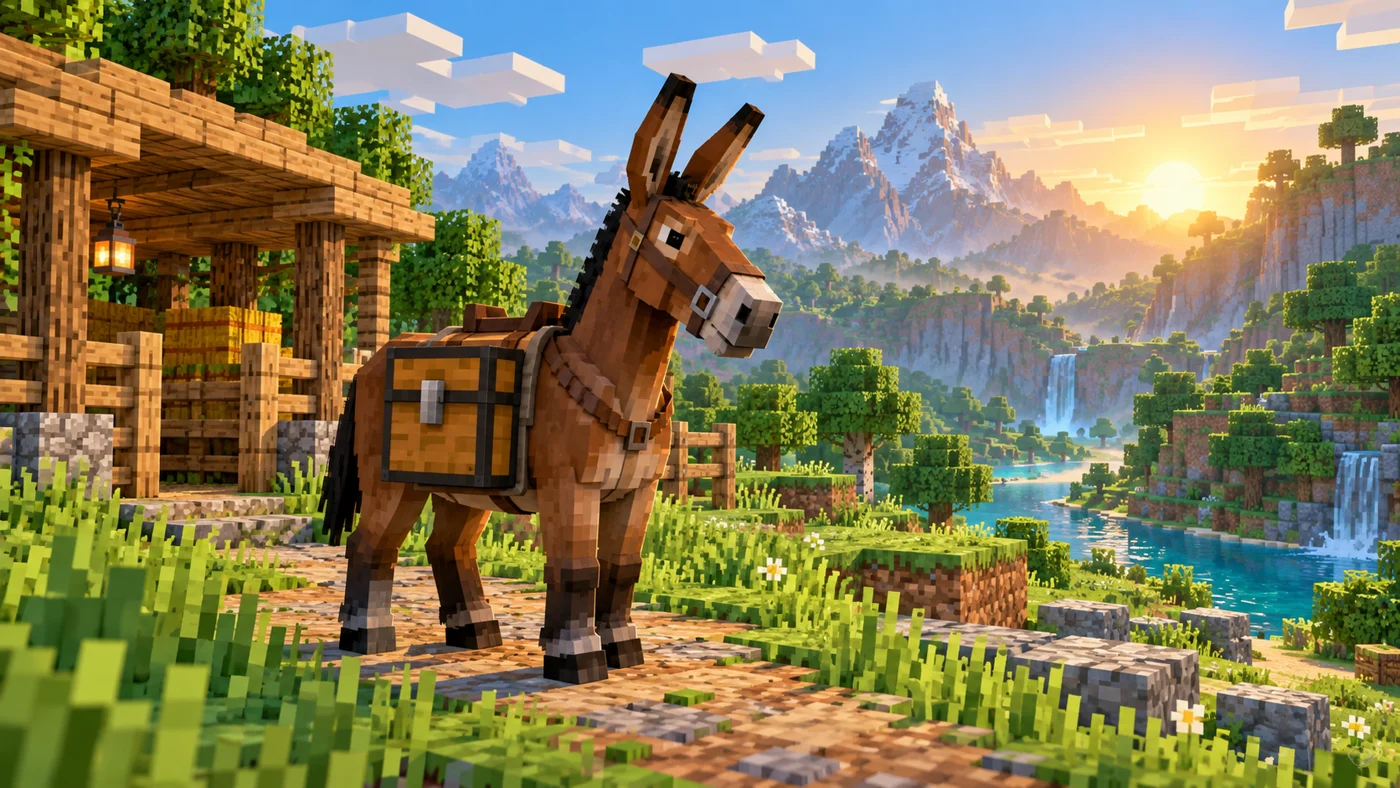
What you need before attaching the chest
Bring one regular chest and use an adult, tamed mule. A saddle is useful if you want to ride and steer your pack animal, but it is not the item that creates its storage. Keep those two jobs separate: the chest provides cargo space, while the saddle lets you control the ride. You do not place the chest on the ground first.
For a practical trip, also prepare a lead, food for yourself, spare building blocks, and a safe place to park. These are travel supplies rather than requirements for attaching storage. Leave your most valuable tools at home while you learn the controls. A short test run with dirt or cobblestone is easier to recover from than an expedition carrying your best equipment.
How to put a chest on a mule: step by step
- Secure the mule. Put it in a fenced, well-lit area so you can interact without chasing it.
- Finish taming it. With an empty hand, mount it repeatedly until the hearts appear. Getting thrown off before that happens is normal.
- Select a regular chest. Put it in your hotbar and hold it in your main hand.
- Aim at the mule and use the item. On a mouse-and-keyboard setup, this is normally right-click. Use your platform’s interact/use control, not attack.
- Check the result. Look for the attached cargo chest, then open the animal inventory to confirm that storage slots are available.
If the interaction opens a menu or mounts the animal instead, stop and check the selected hotbar item. Try again while clearly holding the chest and aiming at the mule’s body. On touch devices, read the contextual button rather than repeatedly tapping the animal. Custom controls, add-ons, or server plugins can change what you see.
Java, Bedrock, controller, and touch controls
The goal is the same across editions: use a chest on the tamed mule, then open its inventory. Exact buttons depend on your device and your keybinds. On Java with default keyboard controls, use right-click to interact, and use sneak plus interact to access the animal inventory while standing beside it. You can also mount and open the inventory.
On Bedrock with a controller or touchscreen, follow the on-screen interact, mount, or inventory prompt. Button layouts can differ between Xbox, PlayStation, Switch, and mobile, and players can remap them. If a guide tells you to press a particular letter or controller button and nothing happens, inspect Settings → Controls before assuming the mechanic was removed.
| Task | Keyboard approach | Controller / touch approach |
|---|---|---|
| Attach storage | Hold chest; use/interact on mule | Hold chest; use the interact prompt |
| Access cargo | Sneak + interact, or inventory while mounted | Use the animal inventory prompt |
| Steer while riding | Equip saddle; use movement controls | Equip saddle; use movement controls |
How much can a mule carry?
A chest-equipped mule has 15 cargo slots. This is smaller than a regular placed chest, which has 27 slots. Attaching a second chest does not turn it into a double chest. The storage belongs to that animal, so look in the mule’s inventory rather than expecting a new container to appear in your player inventory.
Slot count matters more than an imagined weight limit. A stackable material uses its normal stack limit; tools and other non-stackable items take individual slots. For planning, group your supplies by purpose before leaving. Reserve some space for discoveries instead of filling every slot with materials you can collect near your destination. That simple habit makes the mule more useful during an exploration trip.
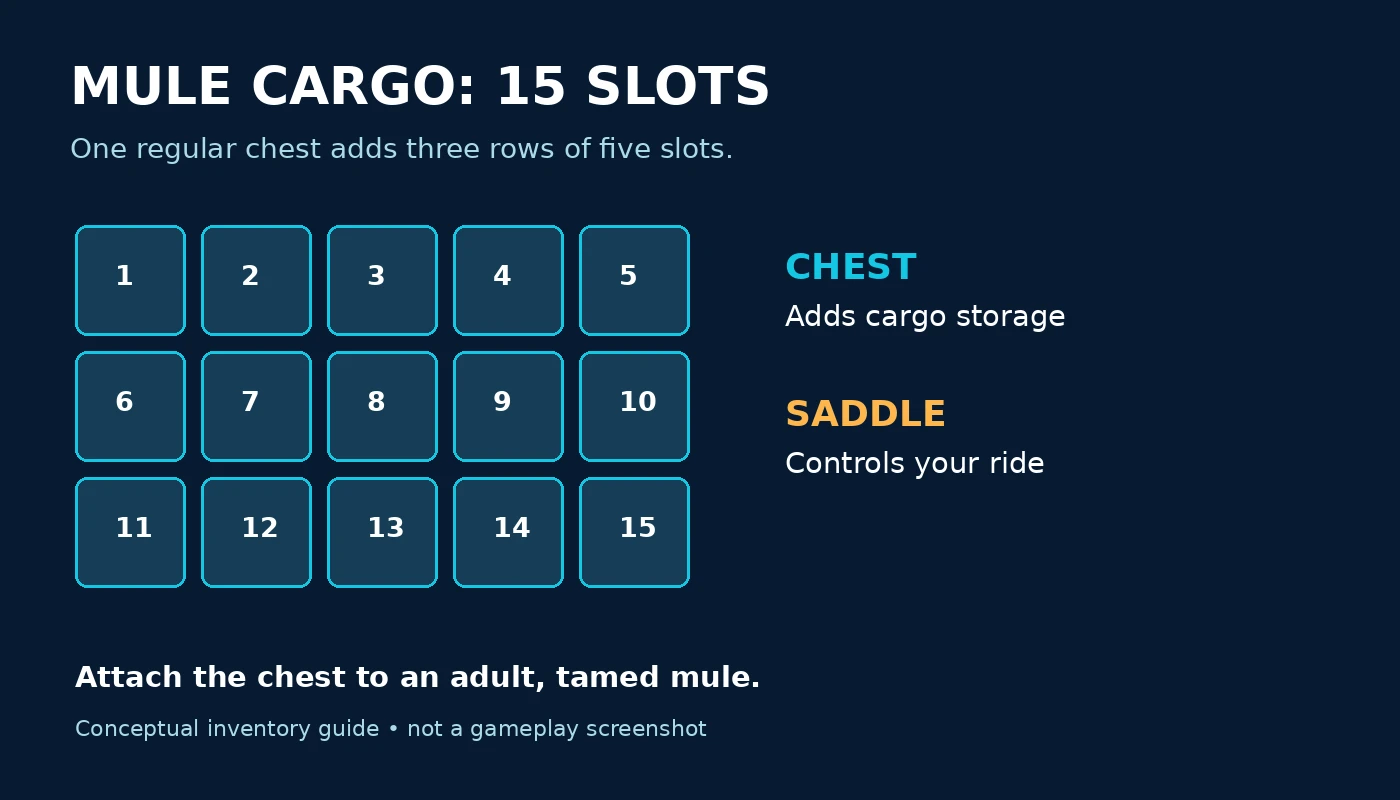
A simple cargo plan for your first journey
Try a three-part packing system: building supplies, travel supplies, and spare space. Put construction blocks together, keep replacement tools together, and leave several slots empty for resources you find along the route. The exact balance depends on your project. A bridge-building trip needs different cargo from a village visit.
Keep emergency items in your own inventory where you can reach them quickly. Food, a weapon, a pickaxe, and a small stack of blocks should not require opening the mule menu during a dangerous encounter. Treat cargo storage as extra capacity, not as a replacement for a usable hotbar. Before you ride away, close the inventory and check that your normal emergency slots still contain what you expect.
At the destination, unload by category into labeled base chests. If moving stacks between containers is slowing you down, see our guide to moving items quickly from a chest. For a permanent storage build, automatic chest loading addresses a different task: moving items around your base.
Why won’t the chest attach?
Check the animal first. A horse cannot carry a chest in ordinary vanilla gameplay. Mules and donkeys can look similar to other equines, especially with resource packs. If you are aiming at a horse, repeating the click or adding a saddle will not create cargo storage. Confirm the mob before spending time changing settings.
Check taming and age. Use an adult animal that you have finished taming. Hearts from successful taming are different from simply feeding an animal. Mounting attempts are the important part of the standard taming process. If the mule still throws you off, finish that process before trying the chest again.
Check your item and aim. Use a normal chest and point directly at the animal. If a chest appears on the ground, you interacted with the ground. Pick it back up and try from closer range. If you accidentally hit the mule, you used the attack control instead of interact.
Check whether storage is already attached. Open the inventory and inspect it before adding another chest. Finally, if you play on a server, test the same interaction in a separate vanilla world. Region protection or custom plugins may prevent interactions. Ask the server owner about permissions rather than deleting your installation or changing unrelated world settings.
Can you remove the chest without losing the mule?
In standard vanilla gameplay, the attached chest is not normally removable through the inventory like a saddle. Do not confuse recent saddle-removal features with chest removal. If your aim is simply to change what the mule carries, open its cargo inventory and move the items out. There is no reason to destroy an animal just to reorganize supplies.
Before experimenting with commands, mods, or add-ons, empty the cargo and make a world backup. Such tools can behave differently across versions and servers. This guide does not promise that a command written for one edition works in another. For a survival-only approach, keep the equipped mule and use a different regular chest for your building project.
Mule vs donkey vs horse: which should you use?
| Animal | Regular chest storage | Useful role |
|---|---|---|
| Mule | 15 slots when equipped | Rideable pack animal for overland trips |
| Donkey | 15 slots when equipped | Another practical cargo option |
| Horse | No attached chest in vanilla | Travel without this cargo feature |
For a beginner, availability and safety matter more than chasing a theoretically perfect animal. If you already own a tame donkey, you do not need to stop your whole project just to acquire a mule. Use a short route you know, build a secure destination, and practice unloading. Choose your mount after deciding whether you need cargo, travel, or both.
Travel safely with a chest-equipped mule
Scout the route before loading expensive supplies. A direct line on the map can hide steep drops, water crossings, narrow tunnels, or hostile terrain. Build a wider path where needed and make sure gates are easy to enter. Avoid making your first loaded trip at night. Daylight does not remove every danger, but it makes navigation and spotting obstacles easier.
At each stopping point, park in an enclosure instead of leaving the mule loose beside a cliff or cave entrance. Close the gate after dismounting. If you use a lead, check the animal is still following after an obstacle, rather than assuming it stayed connected. Write down important coordinates so you can return to the route if you get separated.
Move a small load first when relocating your base. A successful test tells you whether the route, gates, and parking area work before you commit a full inventory. If you need to cross water, plan the crossing separately instead of improvising with valuable cargo. Our boat recovery guide covers safely picking up a boat; it is not a promise that every animal fits in every boat.
A quick test before loading valuable items
Use this small rehearsal in a safe enclosure. Put a single stack of cheap blocks into the mule’s cargo, close the inventory, walk a short distance, and open it again. Confirm that you are opening the same animal and that the stack is still there. Next, move part of the stack back to your inventory. This checks the whole workflow without relying on an illustration or a remembered button.
Then equip the saddle if you intend to ride. Take a short loop around your base, dismount in the enclosure, and unload. Check the gate width and the place where you usually park. If any part feels awkward, adjust the path now. Small changes to your stable entrance are easier than rescuing cargo from an unfinished mountain road.
For multiplayer, tell your travel partner which animal carries which supplies. Avoid having two players reorganize the same inventory at once. Put your destination coordinates in your own notes and decide where to meet if separated. These are simple coordination habits, but they prevent the common problem of arriving at a build site with the wrong materials or leaving the animal beside an unsafe entrance.
Do you need to buy anything for this task?
No purchase is required to attach a chest to a mule. The mechanic uses in-game items. Buying a controller, mouse, subscription, or server does not unlock mule storage. If the chest will not attach, troubleshoot the animal and controls first. Hardware should be a comfort decision, not a supposed fix for this interaction.
If you were already planning a replacement controller, compare the exact model, platform support, connection type, return policy, and total checkout cost. Two listings with similar names may include different cables or accessories. Wireless compatibility can also differ by platform. The optional retailer links below open searches rather than a guaranteed matching product or a live price comparison.
Frequently asked questions
Do I need a saddle before adding the chest?
No. A saddle and a chest serve different functions. The chest adds cargo space; a saddle is for controlling a ride. Start with an adult, tamed mule and use a regular chest on it.
Can I add two chests to a mule?
No. One attached chest provides the mule’s 15 cargo slots. A second chest does not create double-chest storage on the same animal.
Why does my guide say to put the chest in a saddle slot?
That mixes up two separate interactions. Use the chest directly on the animal. The saddle slot is for a saddle, not a storage chest.
Does this work on Minecraft Realms?
The normal vanilla mechanic applies in a Realm running a compatible edition. Custom add-ons and version differences can affect behavior, so check the Realm configuration if the standard interaction fails.
Will putting a chest on a mule protect the items from every danger?
No. It is extra transport storage, not an invulnerable vault. Plan your route, keep emergency items with you, and avoid risking your only valuable equipment on a first test trip.
Optional gaming accessory comparison
For a controller you already intend to buy, compare the same model at both retailers. Match platform support and accessories before choosing. This guide does not quote unverified live prices or claim either store is always cheaper.
Sources and version notes
Mechanics reference: Minecraft Wiki: Mule, Chest, and Donkey. For equipment changes, see Mojang’s Java 1.21.6 release notes. Controls can vary with edition, custom bindings, and server add-ons. Illustrations explain the topic and are not evidence of in-game testing.