

MINECRAFT • BUILDING GUIDE
Move a window, repair an aquarium, or remodel your base without wasting the glass you want to keep.
Hold the attack/destroy control while aiming at the block. Regular glass breaks with your hand or a tool, but normally drops nothing. Use a tool enchanted with Silk Touch to recover ordinary glass, stained glass, or glass panes. Tinted glass is an exception: it can drop itself without Silk Touch.
Use attack/destroy, not place/use.
Check for Silk Touch first.
Use Silk Touch for these too.
Different from stained glass.
The key decision is whether you want to clear a space or collect the material. Those are different goals. You can remove an unwanted window quickly, but a valuable wall is worth checking before the first swing. A little preparation also helps when water, height, or nearby decorations make repairs awkward.
This guide covers vanilla Survival building in Java and Bedrock. Custom servers, mods, add-ons, and protected plots can change what happens. If a block behaves differently on your server, test a spare block in an allowed area before dismantling a finished build.
Plan a safe temporary home for the fish before opening its glass wall. Our aquarium guide explains collecting fish with buckets and keeping predators separate.
Read the Minecraft Aquarium GuideBreak glass or collect glass: choose your goal
If you only need an opening, stand somewhere stable and mine the block using the normal destroy control. If you want to reuse it, stop and inspect your held item first. A stronger material alone does not guarantee a recoverable drop. Treat collection as a separate check from simply seeing the block disappear.
Before removing a large section, mine one unimportant test block with your intended setup. Watch the ground and inspect your inventory. This small test is useful when you are returning to an older world, using unfamiliar controls, or playing on a server with changes you have forgotten about.
| Material | Normal Survival recovery | Planning note |
|---|---|---|
| Ordinary glass | Use Silk Touch | Keep spare blocks for mistakes. |
| Stained glass | Use Silk Touch | Sort recovered colors separately. |
| Glass panes | Use Silk Touch | Aim carefully at thin sections. |
| Stained glass panes | Use Silk Touch | Check the exact color you need. |
| Tinted glass | Can be recovered without Silk Touch | Identify it before assuming the same rule applies to every dark window. |
Step by step: remove a window safely
1. Inspect what is behind the glass
Look through the window and check both sides. Is it holding back water? Is there a drop outside? Could a pet or another mob use the opening? Plan for the space after the block is gone. The glass itself may be easy to remove while the exposed area creates the real problem.
For an upstairs window, build a secure working platform before starting. Keep the route back into the room clear. Avoid balancing on a narrow edge while changing tools or opening your inventory. A wider standing area makes precise aiming easier and gives you room to collect items.
2. Decide which pieces you are keeping
Mark a small starting section and leave the rest intact. If you intend to preserve the material, equip your Silk Touch tool before touching that section. Put the replacement blocks somewhere easy to reach in your hotbar. Keep visually similar tools apart so a rushed slot change does not cause an avoidable mistake.
For a large facade, work in short sections instead of removing everything at once. Finish one opening, collect nearby drops, and then continue. This keeps the work area readable and makes it easier to compare the new design with the remaining wall.
3. Use your destroy control
On the default mouse-and-keyboard layout, hold the left mouse button while pointing at the target block. On controller or touch, use your configured destroy or attack action. The exact button can vary with platform and custom bindings, so check Settings if the action feels unfamiliar.
Do not confuse destroy with use/place. If you keep placing blocks or interacting with nearby objects, you are probably using the wrong action or targeting the wrong surface. Pause, move to a clearer angle, and try again on an easy block before returning to the window.
4. Collect and inspect the result
After removing a block you wanted to keep, look for the dropped item and leave inventory space to collect it. Do this before clearing the entire wall. If the expected drop is missing, stop and check your setup rather than repeating the same action across another row.
Check the item name as well as its appearance. A pane is not a full block, and a colored piece may blend into the surrounding build. Put recovered materials in a nearby chest so they are easy to count and reuse when you start replacing the opening.
Use Silk Touch when the material matters
Silk Touch is the enchantment associated with recovering fragile building materials such as ordinary glass. You do not need a special glass-only tool, but you do need to verify the actual enchantment on the tool you select. A purple glint by itself is not enough information; inspect its tooltip.
For a renovation, keep one clearly identified collection tool in your working inventory. Give it a recognizable name if that helps your organization. Check its remaining durability before a long job and put backup supplies at the worksite. This is about avoiding interruptions while you are already standing beside an open wall.
Do not assume Fortune replaces Silk Touch. Do not treat Efficiency as proof that a tool will preserve the block either. Read the enchantment list before committing to a valuable section. If you do not have the required setup, gather replacement materials or postpone the part of the build you want to save.
What about glass panes?
Panes need the same care when you want to recover them, but their thin shape changes how you approach the job. Stand where the target is clearly visible and avoid aiming through it toward a finished block behind the window. A different angle often solves the problem better than repeatedly clicking from one cramped position.
Keep panes and full blocks in separate inventory slots while remodeling. Plan where you need a flat wall, a thin window, or a deeper frame before replacing the opening. This reduces the chance of discovering halfway through construction that you saved the wrong kind of material for your chosen design.
If targeting feels inconsistent, try a small practice window at ground level. Remove and replace a few pieces until you are comfortable with the controls. For additional control adjustments, see our Minecraft sensitivity guide.
Stained glass and tinted glass are different
Stained glass is the colored decorative material. Tinted glass is a separate block with different light behavior and recovery rules. A dark appearance does not make the two interchangeable. Check the item name before you decide how to dismantle a build or replace one kind with another.
For an organized renovation, place recovered colors in labeled storage and keep the intended replacement beside them. If you are changing a pattern, take a reference image of the existing wall first. That gives you a simple way to restore the arrangement if the new pattern looks wrong once installed.
Do not rely on a water bucket as a general way to remove the color from stained glass. Plan your replacement color before taking a window apart. Keep the original pieces available until you are happy with the new look, especially in a shared build where another player may want the old pattern restored.
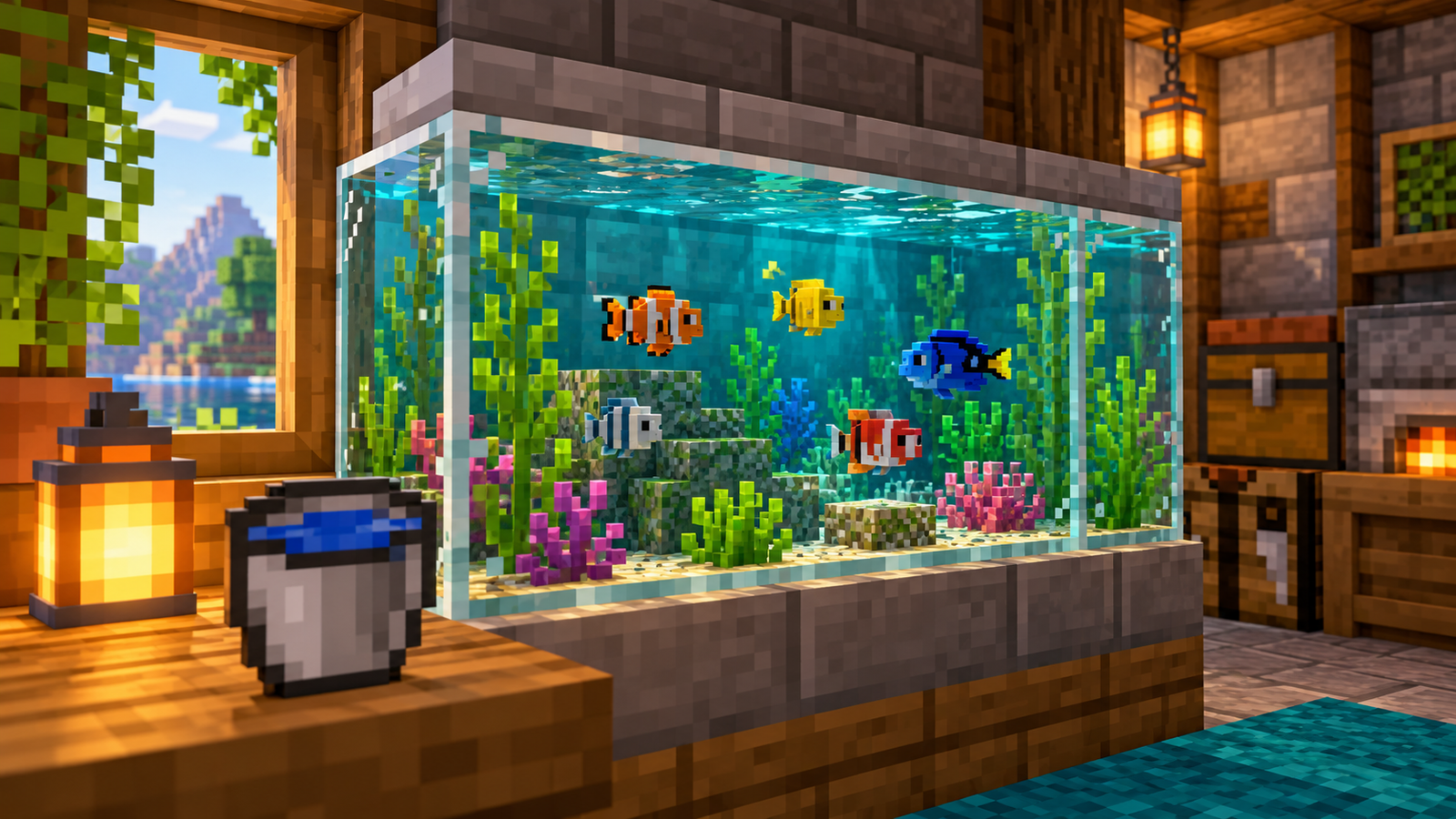
Removing glass from an aquarium
Before opening a tank, decide where the animals will stay during the work. A temporary enclosure is often easier to manage than repairing a wall while fish swim near an opening. Keep water buckets ready and remove nearby obstacles so you can reach the tank without awkward jumping or repeated inventory changes.
Work on one section at a time. Prepare a temporary barrier, check the route water could take, and keep replacement blocks ready. When you close the tank again, inspect corners and joins from both sides. A wall that looks complete from the front can still hide an opening behind a decoration.
After repairs, observe the tank before bringing every fish back. Look for exposed edges, unexpected water movement, and inaccessible spaces. The goal is a contained display you can inspect and maintain. Our fish collection and aquarium guide covers the next part of the project.
Why glass sometimes will not break
Check game mode and building permissions
If you can look around but cannot alter blocks, check whether the world or server allows building in that area. Adventure mode, protected plots, and server rules can restrict block changes. Ask the owner about the intended permissions instead of installing tools that promise to bypass the restriction.
Check the action binding and target
Open the controls menu and confirm the destroy action. Then test in a permitted area with an easy target. If that works, return to the window from a clearer angle. This separates a control issue from a protected location and avoids changing several settings without knowing which one matters.
Check connection problems
If a block disappears and immediately returns, stop making repeated changes and see whether other actions are delayed too. Rejoin when it is safe, check your connection, and ask whether other players see the same issue. Wait for the world state to settle before continuing work near water or a high ledge.
Common mistakes to avoid
- Removing a whole wall before testing: start with one piece and inspect the result.
- Trusting the tool material: check the enchantment list rather than the color of the pickaxe.
- Using the wrong hotbar slot: separate your collection tool from everyday tools.
- Opening a tank before preparing storage: make a plan for the fish and water first.
- Leaving no inventory space: clear useful slots before collecting building materials.
- Ignoring the replacement design: measure the opening and prepare matching pieces before demolition.
A simple renovation plan for larger builds
Split the job into preparation, removal, and replacement. During preparation, gather the correct tool, building materials, lighting, and a nearby storage chest. During removal, work through a clearly marked section and collect what you want to keep. During replacement, compare the result with your reference before moving to the next section.
This approach is useful for a greenhouse, a station, a shopfront, or a public aquarium. Keep one finished section as a reference while working on the others. In a shared world, tell the other builders which area is being changed so someone does not fill an opening you deliberately left for the next stage.
For a larger district, choose a window pattern that is practical to repeat and easy to repair. Our Minecraft city building guide can help you connect individual building projects into a planned neighborhood.
Frequently asked questions
Can you break glass with your hand?
Yes. Removing ordinary glass does not require a special tool, but keeping its drop requires Silk Touch in normal Survival gameplay.
Will a diamond pickaxe automatically save glass?
No. Inspect its enchantments. The material alone does not replace Silk Touch.
Do ordinary shears make glass drop?
Do not rely on ordinary shears to preserve glass. Use a properly enchanted Silk Touch tool for ordinary glass and panes.
Does tinted glass need Silk Touch?
No. Tinted glass can be collected without Silk Touch. Make sure the block is actually tinted glass rather than stained glass.
Does this guide apply to Java and Bedrock?
The core glass collection advice applies to vanilla Java and Bedrock. Controls and custom server behavior can differ.
Do I need to buy a mod or tool to move glass?
No purchase is needed. Use the appropriate in-game equipment. Check a modded world’s own instructions only if its behavior differs from vanilla.
Before you remove the next block
Check what you are breaking, decide whether to keep it, and inspect the tool in your hand. Test a small section before a large renovation. With the work area prepared, you can move windows and repair displays without turning a simple building change into an avoidable replacement job.