

Add Xbox funds without the payment-method confusion
To add funds to an Xbox account, redeem a Microsoft or Xbox money gift card at redeem.microsoft.com while signed in to the Microsoft account you use on Xbox. Adding a debit card or PayPal payment method does not, by itself, increase that balance. A family organizer can also add money to an eligible child’s account through Microsoft Family Safety.
Affiliate disclosure: As an Amazon Associate, I earn from qualifying purchases. We may also earn a commission through Walmart links, at no extra cost to you.
This guide explains how to add funds to Xbox account balances using a browser or console, how parents can fund a child’s profile, and what to check when a code or purchase fails. Instructions were checked against Microsoft support guidance on November 26, 2026. Screen labels can differ with console updates and account settings.
Choose the right way to add money
Start with what you actually want to do. Loading store credit, paying for a game directly, and extending a subscription are separate actions. A listing that says “Xbox” may be a money card, a specific game download, an in-game currency code, or a subscription. Read the product type before comparing prices.
| Your goal | Suitable route | What to check first |
|---|---|---|
| Load a fixed amount of store credit | Redeem a money gift card | Account, country, currency, and face value |
| Buy one game immediately | Use an accepted payment option at checkout | Final total, edition, and platform |
| Give a child a gaming allowance | Family organizer’s Add money option | Correct family member and spending settings |
| Activate a particular game | Redeem that game’s download code | The code grants a product rather than cash credit |
| Start or extend Game Pass | Use an eligible subscription purchase or code | Plan, region, eligibility, and renewal terms |
For example, buying a game download for a friend is different from sending them general spending money. If Minecraft is the intended purchase, our guide to how to gift Minecraft helps you match the product to the recipient’s device. Decide on the product first so you do not load an account that cannot buy the version you want.
How to add funds to an Xbox account online
A browser is convenient because you can check the account email before confirming anything. On a shared computer or phone, begin by checking which Microsoft account is already signed in. The gamertag you recognize and the account receiving the money should belong to the same intended profile.
- Open Microsoft’s redemption page.
- Sign in to the personal Microsoft account used for your Xbox profile.
- Enter the gift card code carefully. Microsoft’s redemption instructions describe a 25-character code.
- Review the displayed product or credit and the destination account.
- Complete the confirmation shown on the page.
- Check your balance at Microsoft account Payment options.
Keep the purchase receipt and redemption confirmation until you have verified the result. If the screen identifies a subscription or game instead of a cash amount, stop and compare it with your order. That may be a perfectly valid code, but it is a different product from account credit.
For digital delivery, look in the retailer’s order details and the recipient email inbox. Buying a card and receiving its code are separate from redeeming it. A completed retailer order alone does not prove that your Xbox balance has increased. Microsoft explains these steps in its official code redemption guide.
How to redeem an Xbox gift card on your console
On Xbox One or Xbox Series X|S, sign in with the intended profile and open the Microsoft Store. Find the Store’s Redeem or code-redemption option, enter the code, and follow the confirmation prompts. If your Store layout looks different, use the browser method above rather than following an old screenshot to an unrelated menu.
When several family members use one console, check the active profile immediately before confirming. A console is the device; the Microsoft account is the destination for the redemption. Looking at the right television does not guarantee that the right person is signed in.
After redemption, open the game or add-on you want and review its checkout screen. Check that Microsoft account balance is offered for that purchase and that the amount shown is sufficient. You can verify the credit online even if the console interface has not refreshed yet. Do not redeem a second card simply because a Store screen looks unchanged.
Can you add funds with a debit card, credit card, or PayPal?
Saving a payment method lets Microsoft charge that method for an eligible purchase. It does not automatically move money into a stored Xbox wallet. If you only want a specific game, paying at checkout may save you the extra step of buying and redeeming store credit.
If you specifically want a prepaid balance, Microsoft’s documented route for your own account is to buy a suitable Microsoft or Xbox gift card and redeem it. Payment options for purchasing that card depend on the retailer and location. Check the retailer’s checkout rather than assuming every service accepts the same methods.
A practical decision is to compare two checkout totals: the game bought directly, and the cost of the appropriate gift card. Consider any balance already in your account. Loading a larger denomination may leave money unused, which matters more than a small advertised discount if you rarely shop in that store.
How to add money to a child’s Xbox account
Parents and other authorized family organizers have a separate route. Microsoft’s family account funding instructions explain how an organizer can provide an allowance to a family member.
- Sign in to Microsoft Family Safety using the organizer’s account.
- Choose the intended child’s profile.
- Open Add money, or Manage spending followed by Add money.
- Select the amount and follow the payment prompts.
- Review the child’s resulting balance and spending activity.
Before funding, decide what the allowance covers: a game, a specific add-on, or a set monthly budget. Agreeing on that purpose makes the amount easier to choose. Check the game’s platform and edition with the child before paying, especially if friends play on different devices.
Review age restrictions, purchase notifications, and approval settings as well. Do not assume that one approval toggle blocks every possible purchase. Microsoft distinguishes spending from existing account credit, card purchases, and age-restricted content. Its spending controls guide explains the current options. Purchases handled by a game’s separate billing provider can also follow different controls.
Check country, currency, and product before buying
A U.S. reader should check for a card intended for their actual U.S. account and store region. A dollar symbol alone is insufficient because multiple currencies use it. Likewise, the words “global” or “international” in a seller’s title are not a substitute for reading the redemption restrictions.
Confirm the listing identifies the amount, eligible country, digital or physical delivery, and seller. A card shown in a marketplace search result is not automatically sold by the marketplace itself. Open the listing and review who fulfills it, when the code arrives, and the terms for an unredeemed purchase.
Microsoft’s gift card terms govern how account credit works. Do not plan on converting a regional balance into a different currency. If you bought the wrong regional product, ask the retailer about available options before attempting redemption.
For a similar example involving game keys, see Minecraft global versus U.S. keys. The useful habit is the same: check compatibility before paying, then keep the original product description with your receipt.
Xbox funds not showing or gift card not working?
Match the symptom to the next check. Repeated purchases usually make diagnosis harder because you then have several orders and codes to track. Record the exact error message, but keep the full redemption code private.
| Problem | First check | Next action |
|---|---|---|
| No code received | Retailer order status and delivery address | Look in order details and email, then contact the retailer |
| Code is rejected | Typing, product type, and region | Compare with the receipt; use official support for the displayed error |
| Code says already redeemed | Which account was used earlier | Review balance, orders, and subscriptions as appropriate |
| Balance is visible online only | Console profile matches the online account | Refresh or reopen the Store and check again |
| Balance exists but checkout fails | Eligibility, currency, final total, and account restrictions | Follow the exact checkout message rather than buying more credit |
| Child cannot buy a game | Age restrictions and family approvals | Have the organizer review the request and settings |
The code is for a game or subscription
A redeemed game normally needs to be checked as a game entitlement; a subscription code needs to be checked under subscriptions. Neither should be diagnosed solely by looking for a larger cash balance. Compare the redemption confirmation with the product you purchased.
The balance is too low for the final total
Check the amount actually due at checkout, including any applicable tax. A card matching the advertised game price may leave a shortfall. Before adding more credit, confirm whether the checkout permits another payment option for that transaction and whether your current balance is eligible.
You may have reached an account limit
Microsoft publishes limits on adding, holding, and spending account money, with country-specific exceptions. If your error mentions a limit, consult that page and support. Creating more accounts or repeatedly retrying does not establish that the original transaction failed.
Use Xbox credit for the game you actually need
Before spending, open the product page and verify supported devices, edition, and included content. Store credit does not change a game’s compatibility. It also does not turn a base game purchase into a deluxe bundle or grant every optional expansion.
Minecraft buyers can compare Java versus Bedrock editions and read which gift cards can buy Minecraft. If you are considering a subscription instead, our Minecraft and PC Game Pass guide separates game ownership from subscription access.
Frequently asked questions
Is an Xbox balance the same as Microsoft account balance?
For money gift cards redeemed to your Xbox profile’s Microsoft account, the credit is Microsoft account balance. Its use depends on the store, currency, and eligible purchase.
Do I need Game Pass to redeem a money gift card?
No. Redeeming account credit does not require buying a Game Pass membership. Whether a particular game or online feature needs a subscription is a separate question.
Can I add money without a credit card saved on Xbox?
You can redeem a valid money gift card to the correct account. How you pay the retailer for that card is separate from saving a payment method on Xbox.
Can a Microsoft gift card work on Xbox?
Yes, eligible Microsoft and Xbox money gift cards redeem to Microsoft account credit. Check the card’s country, currency, and terms before buying.
Does purchasing a gift card automatically fund my account?
Receiving a gift card code is separate from redeeming it. Use the redemption page with the intended account and verify the resulting credit.
Should I post my code when asking for help?
No. Share the error wording without the full code. Provide purchase details only through the retailer’s or Microsoft’s official private support process when requested.
Before you confirm
Check four things: the account receiving the funds, the card’s region and currency, the type of product being redeemed, and the total needed for your intended purchase. Then redeem once and verify the result. If you already have the right credit, go straight to checkout instead of buying another card.
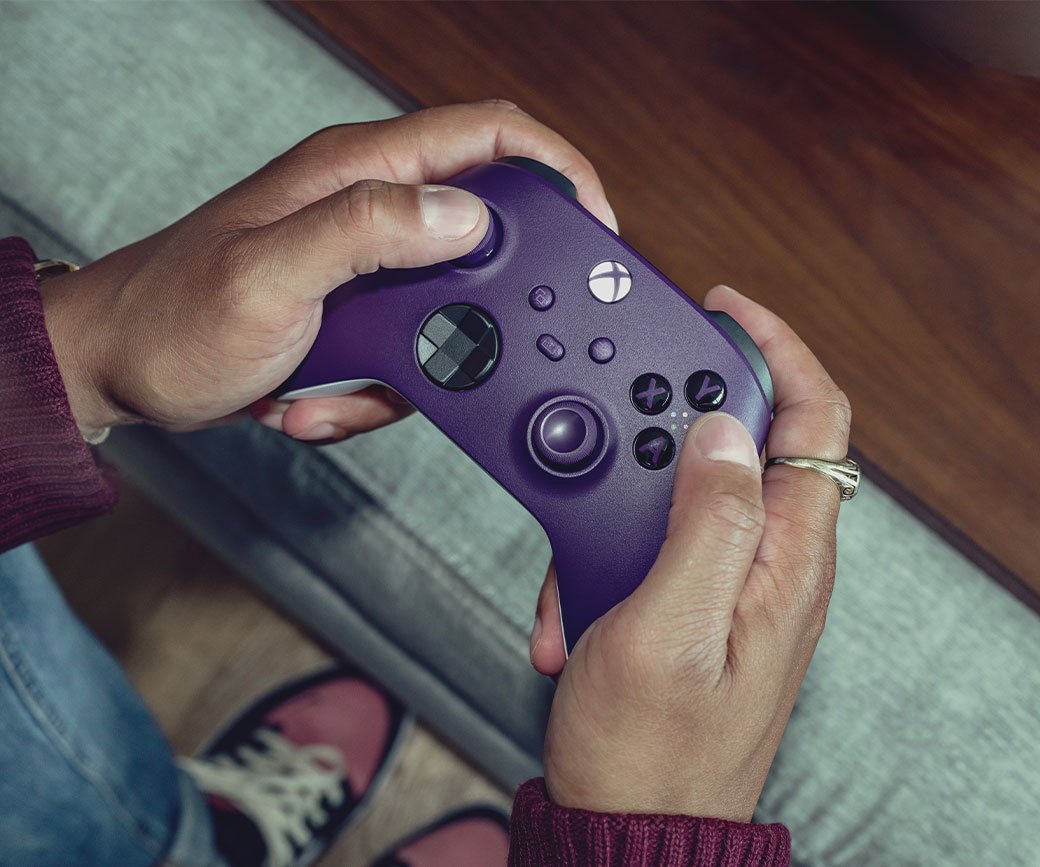
Featured photo: Javier Martínez via Unsplash. This article uses illustrative images and official support documentation; it does not claim a hands-on redemption test or guaranteed retailer availability.